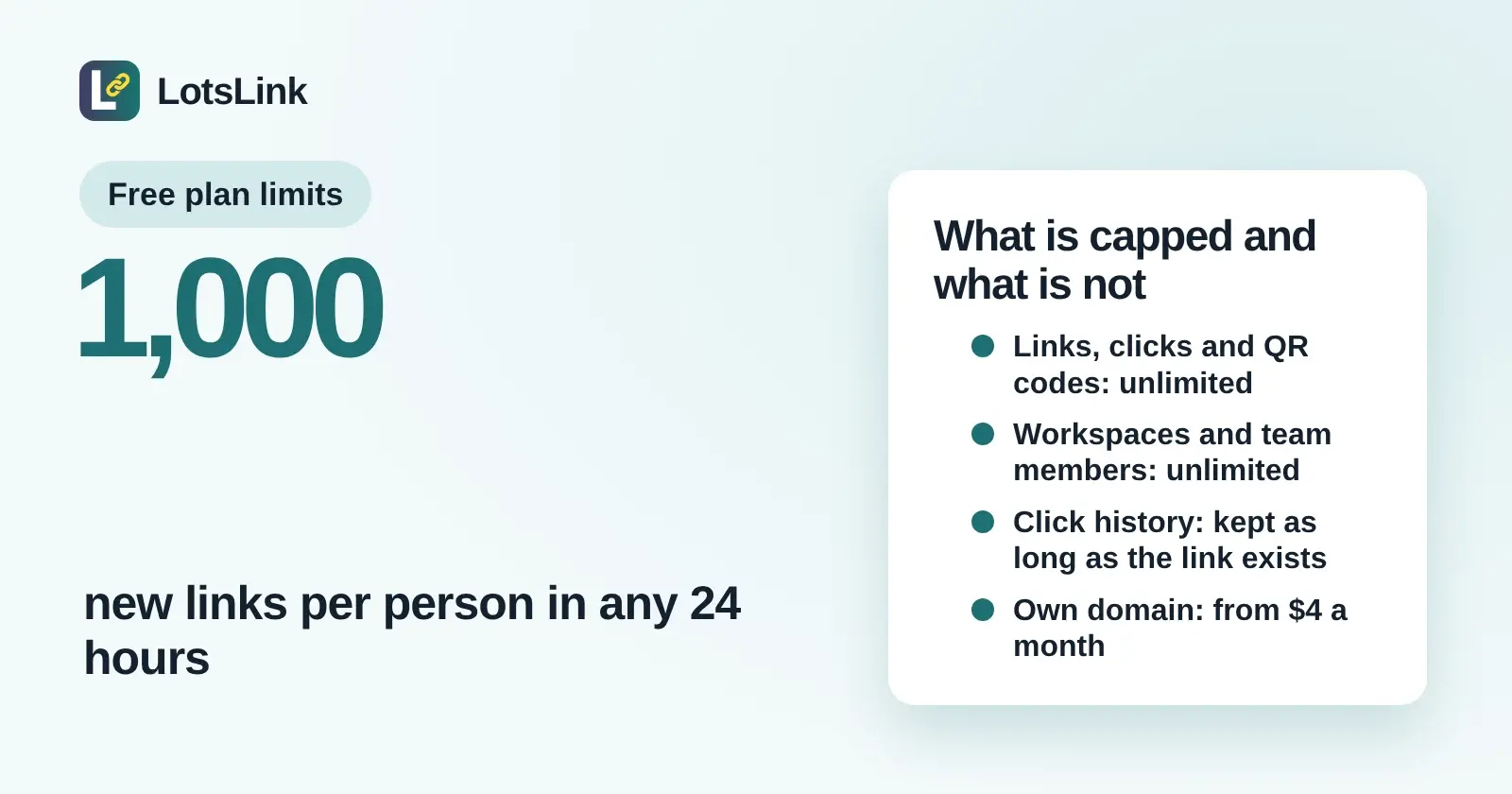
On a free LotsLink account, short links on lots.link, clicks, QR codes, workspaces, team members and analytics history are all unlimited. The limits that exist are a safety cap of 1,000 new links per person in any 24 hours, one free lots.link subdomain per person, and a few size and rate limits listed below. The only thing you pay for is your own custom domain. I'm the founder of LotsLink, and every number here comes from LotsLink's own pricing page, docs and code, checked on 16 November 2026.
What is capped and what is not, at a glance
| Limit on a free account | |
|---|---|
| Short links on lots.link | Unlimited, with up to 1,000 new links per person in any 24 hours |
| Clicks tracked | Unlimited |
| QR codes | Unlimited |
| Workspaces and team members | Unlimited |
| Click history | Kept for as long as the link exists |
| Free lots.link subdomain | One per person |
| Your own custom domain | Not free: covered by a plan, or $4 per domain a month with no plan |
| Custom slug length | 7 to 40 characters |
| QR code image | PNG, 150 to 1,024 pixels |
| REST API rate | 100 requests a minute per API key by default |
Checked on 16 November 2026: LotsLink pricing, llms.txt, the API documentation and the help page.
What is not capped
There is no monthly link allowance, no click quota, no QR code count and no seat count. I built LotsLink so that plans cover custom domains only, and nothing else is metered.
- Short links: unlimited on lots.link. A newsletter, a campaign or a QR code on a thousand flyers never moves you up a plan.
- Clicks: unlimited and tracked for every link. Each real visit is a click. Bots, link previews and prefetches are left out, and a repeat visit from the same visitor to the same link within 10 seconds counts once.
- QR codes: unlimited, free, and you can change the link's destination later without reprinting. See the free QR code generator and How to change a QR code's link after printing.
- Workspaces and team members: unlimited. A workspace per client or business, with owners, admins, members and viewers. Agencies can read Link Management for Agencies.
- Analytics history: kept for as long as the link exists. Deleting a link deletes its clicks.
- AI agent access: the MCP server and the REST API are free on every account. Setup pages for each agent are on lots.link/agents.
The one cap on creating links: 1,000 in 24 hours
Short links are unlimited, but each person can create up to 1,000 new links in any rolling 24 hours. It keeps lots.link off blocklists and stops abuse, and it applies the same way in the dashboard and for your agent. If you reach it, the message reads: "You've reached the limit of 1,000 new links in 24 hours. Try again later or contact support." Wait until older links fall outside the 24 hours and create more.
The cap counts links per person, not per workspace, and it counts new links only. Editing a link, changing its destination, adding a QR code and reading analytics never use it.
Other limits you can run into
These are the size and rate limits I found in the code and docs. None of them is a plan limit: they are the same on every account.
| Limit | Value | Where you meet it |
|---|---|---|
| Free lots.link subdomain | One per person | Setting up a native subdomain |
| Custom slug | 7 to 40 characters, letters, numbers, dash and underscore | Making a link with your own slug |
| QR code size | 150 to 1,024 pixels, PNG, two colors | The QR generator and your agent |
| Links per page | Up to 100 | Listing links over the API |
| Bulk actions | Up to 100 links per request | Bulk activate, deactivate or delete |
| Analytics export | Up to 10,000 click records per export, newest first, narrowed with a start and end date | Exporting CSV or JSON |
| REST API rate | 100 requests a minute per API key by default; QR code, bulk, export and invitation calls 30 a minute | Scripts and agents |
| Destinations | Checked with Safe Browsing; known malicious sites are refused | Creating a link or changing its destination |
If you export more than 10,000 clicks, split the export by date range. The steps for the dashboard side are on the link click tracker page.
What you pay for: your own domain
Free links live on lots.link. If you want links on your own domain, for example go.yourbrand.com, that is the one thing that costs money, because each custom domain gets its own verified hostname and HTTPS certificate.
| Option | Price | Custom domains |
|---|---|---|
| No plan, pay as you go | $4 per domain a month, charged daily from credits | As many as you add |
| Starter | $9 a month ($90 a year) | 3 |
| Pro | $24 a month ($240 a year) | 10 |
| Business | $59 a month ($590 a year) | 30 |
Prices are in USD from lots.link/pricing, checked on 16 November 2026. Extra domains beyond a plan cost that plan's rate. Eligible new users get free credits with no card to try a custom domain. The setup is a DNS-only CNAME to customers.lots.link and you keep your registration, as in How to connect a custom domain for branded short links. For a longer pricing walk-through, see LotsLink pricing explained.
What happens if your credits run out
Your existing links keep redirecting, and you can still read your records and analytics. Creating new links on an unfunded custom domain pauses until you add credits or a plan covers it. Free lots.link links and your free subdomain stay available. Purchased credits never expire.
What an agent can do by default
When you connect Claude, ChatGPT or another MCP agent, you choose its permissions. Read is always on, and Create and edit is included. Send (inviting teammates) and Delete (switching a link or domain off, deleting, removing a member) start unticked unless the app asks for them, and you can add them under Connected apps. That is a safety setting, not a limit on your account. See How to create and track short links from Claude or ChatGPT and How to turn off a short link or make it expire.
How this compares with other free plans
Most free link tools meter new links, tracked clicks or QR codes each month. I compared them on their own pages in The Best Free URL Shorteners With Analytics and LotsLink vs Bitly. On LotsLink the free account has no monthly counts, and what is capped is listed above.
FAQ
Is LotsLink really free, and is there a limit on links?
Yes. Short links on lots.link, clicks, QR codes, workspaces, team members and analytics are free and unlimited on every account (checked on 16 November 2026). The only cap on links is up to 1,000 new links per person in any 24 hours. You pay only if you add your own custom domain.
How many short links can I create in a day on LotsLink?
Up to 1,000 new links per person in any rolling 24 hours, in the dashboard or from your AI agent. Editing a link, changing its destination or making a QR code does not count toward it. If you reach it, wait until older links fall outside the 24 hours.
Is there a limit on clicks, QR codes or team members?
No. Clicks, QR codes, workspaces and team members are unlimited on a free account. QR codes are PNG images from 150 to 1,024 pixels in size, and a repeat visit from the same visitor to the same link within 10 seconds counts as one click.
How long does LotsLink keep my click data on the free plan?
For as long as the link exists. There is no 30-day or 90-day window. Deleting a link deletes its clicks, and you can export analytics as CSV or JSON, up to 10,000 click records per export, whenever you want.
What do I have to pay for on LotsLink?
Your own custom domain. It costs $4 per domain a month with no plan, or $9 a month for 3 domains on Starter, $24 for 10 on Pro and $59 for 30 on Business (checked on 16 November 2026). Everything else, including links, clicks, QR codes, the MCP server and the REST API, is free.
What are the API and MCP rate limits on a free account?
The REST API allows 100 requests a minute per API key by default, and calls that make QR codes, run bulk actions, export analytics or send invitations are limited to 30 a minute. The MCP server is free on every account and uses the same services and permissions as the dashboard.