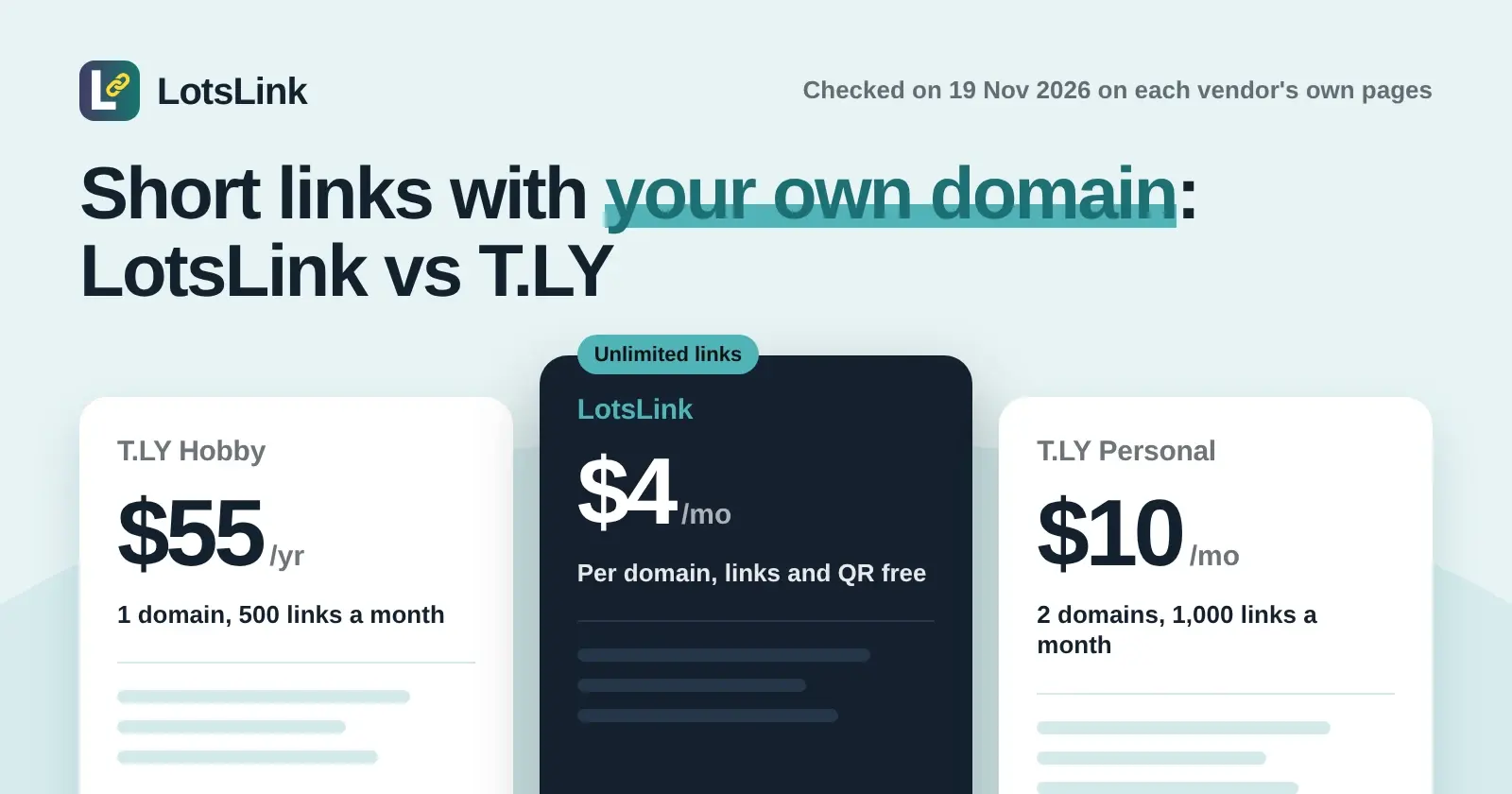
LotsLink is the better fit if you want short links, QR codes and click analytics with no monthly caps, and you only want to pay when you add your own domain. T.LY is the better fit if you want quick links with no account at all, or OneLinks, Smart URLs, webhooks and a 5-day trial of its paid plans. I'm the founder of LotsLink, and every T.LY fact below comes from T.LY's own pages, opened on 19 November 2026.
LotsLink vs T.LY at a glance
| LotsLink | T.LY | |
|---|---|---|
| Free short links | Unlimited, with up to 1,000 new links per person in any 24 hours | Quick links are free, no account needed |
| Short links per month on a paid plan | Unlimited | 500 (Hobby) to 20,000 (Business) |
| QR codes | Unlimited, free | 500 to 20,000 a month, on paid plans |
| Clicks | Unlimited | Unlimited; clicks past the monthly stats limit are not tracked |
| Click history | Kept for as long as the link exists | Detailed logs kept 3 to 20 days, by plan |
| Own domain | $4 per domain a month with no plan, or Starter $9 a month for 3 domains | From Hobby, $55 a year for 1 domain |
| Team members | Unlimited | 1 to 10, by plan |
| API | REST API, free on every account | API access on every paid plan |
| MCP server for Claude or ChatGPT | Yes, OAuth sign-in, no API key | Not described on its pricing page, homepage or API docs |
Checked on 19 November 2026: LotsLink pricing, T.LY pricing, the T.LY homepage and the T.LY API docs.
Where LotsLink wins: no monthly caps on links, QR codes or tracking
T.LY meters everything by the month. Its Hobby plan lists 500 short links, 500 QR codes and 25,000 tracked stats a month. Personal lists 1,000, 1,000 and 50,000. Basic lists 4,000, 4,000 and 100,000, Pro lists 10,000, 10,000 and 250,000, and Business lists 20,000, 20,000 and 500,000. T.LY's pricing page adds that links keep redirecting after you pass the monthly tracking limit, but the additional clicks are not tracked.
On LotsLink there is nothing to count. Short links, clicks and QR codes are unlimited and free on every account, and a plan only adds your own domains. There is one safety limit: up to 1,000 new links per person in any 24 hours. The full list of what is and is not capped is in LotsLink Free Plan Limits.
Click history works differently too. T.LY keeps detailed click and scan records for 3 days on Hobby, 5 on Personal, 7 on Basic, 10 on Pro and 20 on Business. LotsLink keeps click history for as long as the link exists, and deleting a link deletes its clicks. The dashboard side of that is on the link click tracker page.
Your own domain: what each one costs
Both let your short links carry your own domain instead of a shared one. On LotsLink you add a custom domain with a DNS-only CNAME to customers.lots.link and keep your registration. With no plan it costs $4 per domain a month, charged daily from credits. Starter is $9 a month for 3 domains, Pro is $24 a month for 10, and Business is $59 a month for 30. On T.LY every paid plan includes custom domains with SSL: Hobby is $55 a year for 1, Personal is $10 a month for 2, Basic is $20 a month for 10, Pro is $50 a month for 20 and Business is $100 a month for 100.
| Own domains you need | LotsLink | T.LY |
|---|---|---|
| 1 | $4 a month | $55 a year (Hobby) |
| 2 | $8 a month | $10 a month (Personal) |
| 3 | $9 a month (Starter) | $20 a month (Basic) |
With T.LY the monthly link and QR caps come with that price. With LotsLink they never apply. Eligible new users also get free credits with no card to try a custom domain. The setup steps are in How to connect a custom domain for branded short links, and every price is in LotsLink pricing explained. If you are comparing free options, Free URL Shorteners With a Custom Domain lists more.
Free: quick links on T.LY, an account on LotsLink
T.LY's homepage says it is free to use with no account needed, and its FAQ says you can create quick short links for free and sign up later for private stats, custom domains, QR management or API access. Its paid plans start with a 5-day free trial, no credit card required. That is a real convenience for a link you need once.
On LotsLink you make an account, and then the links, QR codes and analytics stay free with no plan and no trial clock. If you want a link you can edit, switch off or give an expiry date later, How to turn off a short link or make it expire shows how.
Agent access: MCP and API
I built LotsLink so Claude, ChatGPT or any MCP agent can do what the dashboard does. The MCP server at api.lots.link/mcp signs in with OAuth, needs no key and is free on every account. Its public tool list has 45 tools (checked 19 November 2026): create and update links, make QR codes, add and verify custom domains, manage workspaces and members, read analytics and export them. Setup pages for each agent are on lots.link/agents, and Best URL Shorteners With MCP Support compares the others.
T.LY has a REST API at api.t.ly with a token from your account. Its docs show creating and updating short links with an optional expiry date or view count, QR codes returned with the link, and Smart URL conditions such as country and device. I read its pricing page, homepage and API docs on 19 November 2026 and none of them describes an MCP server. If you want an agent to work through T.LY, it goes through the API; the same job on LotsLink is a connector you sign in to. More on the API side is in URL Shortener API.
Where T.LY is stronger
T.LY has several things LotsLink does not try to do. OneLinks are a feature on every plan (1 on Hobby and Personal, up to 100 on Business). Smart URLs send visitors to different destinations by conditions such as country and device. Business adds 20 webhook endpoints, Pro and Business include priority support, and links can expire after a set number of views as well as at a date. Its Basic plan lists 10 custom domains at $20 a month, where LotsLink's Pro is $24 a month for 10. And T.LY's quick links need no account at all.
LotsLink is a focused short-link and QR tool. If you need OneLinks, geo or device routing, or webhooks, T.LY has them. For the broader field, see TinyURL Alternatives and The Best Free URL Shorteners With Analytics.
Which should you pick?
- Pick LotsLink if you want unlimited short links, QR codes and clicks for free, click history that does not roll off after a few days, your own domain from $4 a month, unlimited teammates, or an AI agent that creates and reads your links.
- Pick T.LY if you want a quick link with no account, OneLinks, Smart URLs, webhooks or priority support, and a paid plan's monthly limits fit the number of links you make.
FAQ
Is T.LY free?
Partly. T.LY's homepage says it is free to use with no account needed for quick short links, and its paid plans add higher limits, private stats, custom domains, API access, OneLinks and team features (checked on 19 November 2026). Paid plans list Hobby at $55 a year, Personal at $10 a month, Basic at $20 a month, Pro at $50 a month and Business at $100 a month, each with a 5-day trial. LotsLink's short links, clicks and QR codes are free and unlimited, and you pay only if you add your own domain.
How many short links can I make on T.LY?
T.LY's paid plans list 500 short links a month on Hobby, 1,000 on Personal, 4,000 on Basic, 10,000 on Pro and 20,000 on Business, with the same number of QR codes (checked on 19 November 2026). LotsLink has no monthly link or QR cap, only a safety limit of up to 1,000 new links per person in any 24 hours.
How long does T.LY keep click data?
T.LY's pricing page lists detailed log retention of 3 days on Hobby, 5 on Personal, 7 on Basic, 10 on Pro and 20 on Business (checked on 19 November 2026). It also says clicks past your monthly stats limit are not tracked. LotsLink keeps click history for as long as the link exists.
How much is a custom domain on LotsLink and T.LY?
On LotsLink a custom domain is $4 a month with no plan, or $9 a month for 3 domains on Starter. On T.LY the cheapest plan with a custom domain is Hobby at $55 a year for 1 domain, and Personal at $10 a month includes 2 (checked on 19 November 2026). Eligible new LotsLink users also get free credits with no card to try a custom domain.
Does T.LY have an MCP server for Claude or ChatGPT?
T.LY's pricing page, homepage and API docs, read on 19 November 2026, describe a REST API at api.t.ly and do not mention an MCP server. LotsLink has an MCP server at https://api.lots.link/mcp with OAuth sign-in and no API key, free on every account.
When is T.LY the better choice than LotsLink?
T.LY is the better choice if you want a quick link without making an account, OneLinks, Smart URLs that route by country or device, webhooks, or priority support. LotsLink is the better choice if you want unlimited free short links, QR codes and click history with no monthly caps, and an AI agent that can run it.