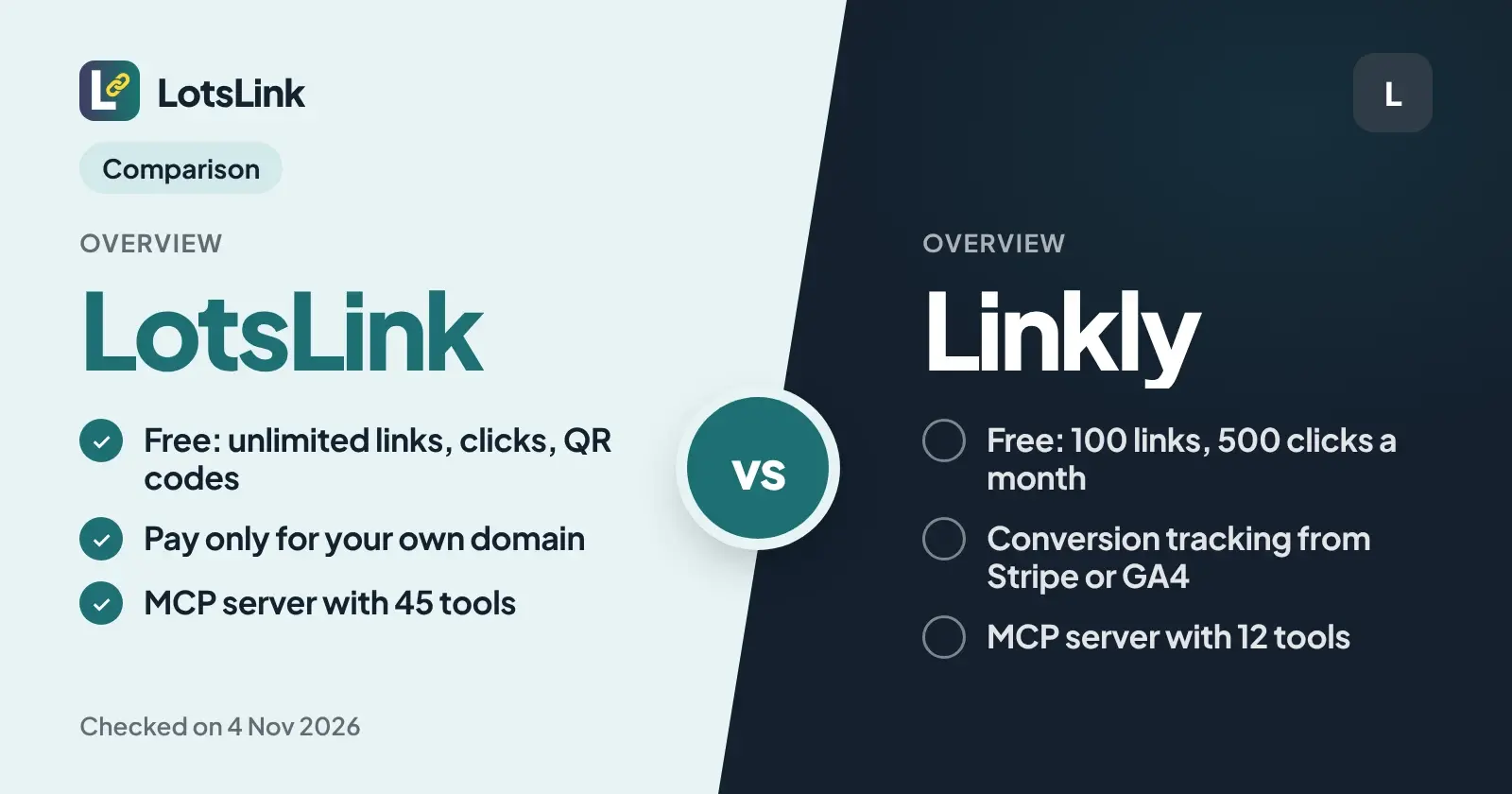
LotsLink is the better fit if you want free, unlimited short links, clicks and QR codes and only want to pay for your own domain. Linkly is the better fit if you need conversion tracking, geo and device redirects or link rotators. I'm the founder of LotsLink, and every Linkly fact below comes from Linkly's own pages, opened on 4 Nov 2026.
LotsLink vs Linkly at a glance
| LotsLink | Linkly | |
|---|---|---|
| New short links | Unlimited, free | Free: 100 a month. Paid: 250, 1,000 or 5,000 a month, unlimited on the Unlimited plan |
| Tracked clicks | Unlimited, free | Free: 500 a month. Paid: 2,000, 10,000 or 50,000 a month, unlimited on the Unlimited plan |
| QR codes | Unlimited, free; the code points to your short link | Free plan: watermarked. Custom QR codes from Starter |
| Click analytics | Countries, cities, devices, referrers and timeline, individual click records, CSV and JSON export | Free: country level. Device, browser and OS from Starter, ISP tracking from Pro |
| Team members | Unlimited | Unlimited on every plan |
| Own domain | Plans from $9 a month for 3 domains, or $4 per domain a month with no plan | 1 domain on Free and Starter, 3 on Pro ($32), 10 on Business ($107) |
| MCP server and REST API | Both, on every plan | Both, on every plan including Free |
| Conversion tracking, geo and device redirects, rotators | No | Yes (conversion tracking page; redirects and rotators from Pro) |
Checked on 4 Nov 2026: Linkly pricing, Linkly MCP server, Linkly QR codes and LotsLink pricing.
Where LotsLink wins: no monthly caps
Linkly meters everything. Its Free plan gives you 100 new links and 500 tracked clicks a month, and the paid plans step up from there: Starter at 250 links and 2,000 clicks, Pro at 1,000 and 10,000, Business at 5,000 and 50,000. If you go over on a paid plan, Linkly's pricing FAQ says it buys an add-on for you to cover the overage.
On LotsLink there is nothing to run out of. Short links, clicks, QR codes, workspaces and team members are unlimited on lots.link, free. (There is one safety limit: up to 1,000 new links per person in any 24 hours.) A newsletter, a campaign with a spike, or a QR code on a thousand flyers does not move you up a plan, because plans on LotsLink cover custom domains only.
Analytics follow the same idea. On LotsLink, every link has clicks by country, city, device, referrer and time, plus individual click records and a CSV or JSON export, with no plan gate. On Linkly's Free plan the analytics are country level, and device, browser and OS data starts on Starter at $15 a month, billed annually. I wrote more about reading click data in How to track link clicks by channel with UTM and short links.
Your own domain: what each one charges
Both let you put links on your own domain, for example go.yourbrand.com. The difference is how you pay for it.
| Plan | Price | Own domains included |
|---|---|---|
| LotsLink Starter | $9/month ($90/year) | 3 |
| LotsLink Pro | $24/month ($240/year) | 10 |
| LotsLink Business | $59/month ($590/year) | 30 |
| LotsLink, no plan | $4 per domain per month, charged daily | As many as you add |
| Linkly Free | $0 | 1 |
| Linkly Starter | $15/month, billed annually (annual only) | 1 |
| Linkly Pro | $32/month, billed annually | 3 |
| Linkly Business | $107/month, billed annually | 10 |
| Linkly Unlimited | $833/month, billed annually | 100 |
Linkly also sells an extra branded domain as an add-on for $0.82 a month, billed annually, on Pro and Business. Checked on 4 Nov 2026 on linklyhq.com/pricing and lots.link/pricing.
Linkly's free plan includes one custom domain, which is a real plus. On LotsLink the free option is one lots.link subdomain per person, and a custom domain is where you start paying. What you get for the money is a domain on a plan that does not also limit your links and clicks. Setup is a DNS-only CNAME to customers.lots.link, you keep your registration, and if your funding ever stops, existing links keep redirecting. The steps are in How to connect a custom domain for branded short links, and the full pricing is in LotsLink pricing explained.
QR codes you can edit after printing
Linkly says every short link comes with a dynamic QR code, so you can change the destination after printing. Its free plan adds a watermark, and custom QR codes start on Starter.
LotsLink works the same way where it counts: the QR code points to your short link, scans that open the short URL count as that link's clicks, and you can change the link's destination later without reprinting. QR codes are free and unlimited, and your agent can create them too. Details in How to change a QR code's link after printing and on the free QR code generator page.
Agent access: both have an MCP server
If you want ChatGPT, Claude or another agent to manage links, both tools have you covered. Linkly's hosted MCP server at mcp.linklyhq.com uses OAuth and lists 12 tools: create, update, delete, get, list and search links, recent clicks, analytics, domains and webhooks. Linkly also has a command line tool for coding agents.
LotsLink's MCP server at api.lots.link/mcp is also OAuth with no key, and its public tool list has 45 tools (checked 4 Nov 2026 on tools.json). On top of links and analytics, your agent can create QR codes, manage workspaces, projects and members, add and verify custom domains, and export analytics. The dashboard does everything the agent does. Setup for each agent is on the MCP page, and there is a comparison in The best URL shorteners with MCP support.
Where Linkly is stronger
Linkly does things LotsLink does not, and for some teams they decide the choice.
- Conversion tracking. Linkly records a sale against the link that sent the buyer, through its Stripe app, Calendly, Google Analytics 4 or its API. LotsLink counts clicks and scans, not revenue.
- Redirect rules and rotators. Geo and device redirect rules, link rotators, click-limited and time-limited links, password protection and tracking pixels start on Linkly's Pro plan.
- Link cloaking on Business, and integrations with Zapier, Make and n8n.
- One free custom domain on the Free plan.
If you run paid campaigns and need revenue per link, or you need geo targeting, choose Linkly. If you need short links, QR codes and click reports without caps, choose LotsLink.
Which one should you pick?
- Pick LotsLink if you share a lot of links or QR codes, want to stop watching a monthly click counter, run several workspaces or clients, or want your agent to manage links, domains and teammates.
- Pick Linkly if you need sales attribution, redirect rules, rotators or tracking pixels, or you want a free custom domain and your volume stays under its caps.
Other comparisons: LotsLink vs Bitly, LotsLink vs Dub, LotsLink vs Rebrandly, LotsLink vs Short.io, free URL shorteners with analytics and TinyURL alternatives. The full list is on the compare hub.
FAQ
Is LotsLink a good Linkly alternative?
Yes, if your main problem is Linkly's monthly caps. LotsLink's links, clicks, QR codes, workspaces and team members are unlimited and free, and you pay only if you want your own domain. Linkly is the better pick if you need conversion tracking, geo and device redirect rules or link rotators.
Does Linkly have an MCP server?
Yes. Linkly's hosted MCP server at mcp.linklyhq.com uses OAuth and lists 12 tools for links, analytics, domains and webhooks (checked on 4 Nov 2026). LotsLink also has an OAuth MCP server, and its public tool list has 45 tools that also cover QR codes, workspaces, projects, members and exports.
How much does Linkly cost?
Linkly's prices on 4 Nov 2026, billed annually: Free $0, Starter $15 a month (annual only), Pro $32, Business $107 and Unlimited $833. Each paid plan has monthly caps on new links and tracked clicks, apart from the Unlimited plan.
Can I change a QR code's destination after printing it?
Yes on both. Linkly says every short link comes with a dynamic QR code whose destination you can change. On LotsLink the QR code points to your short link, so you edit the link's destination and the printed code keeps working.
Which one has conversion tracking?
Linkly. It records sales against a link through its Stripe app, Calendly, Google Analytics 4 or its API. LotsLink counts clicks and scans but does not do conversion or revenue attribution.
Does LotsLink cost anything?
Links, clicks, QR codes, analytics, workspaces and team members are free and unlimited on lots.link, with one free lots.link subdomain per person. You pay only for your own custom domain: a plan from $9 a month for 3 domains, or $4 per domain a month with no plan.
Prices and limits for Linkly were checked on 4 Nov 2026 on linklyhq.com and can change. LotsLink prices are in USD from lots.link/pricing.